Spiralling back into rhythm
Creative coding timelapse and some spirals of handwriting.

I’m an artist and creative technologist. I write about generative art, code, creativity and other interconnected topics. You can expect a diary on Fridays sharing the things I’ve been working on. Thanks for joining me here. 💖
Hello!
It’s taken me a little while to get back to art since Nowhere festival - mainly because I’ve been working on updating my UX and product design portfolio and questioning my life choices.
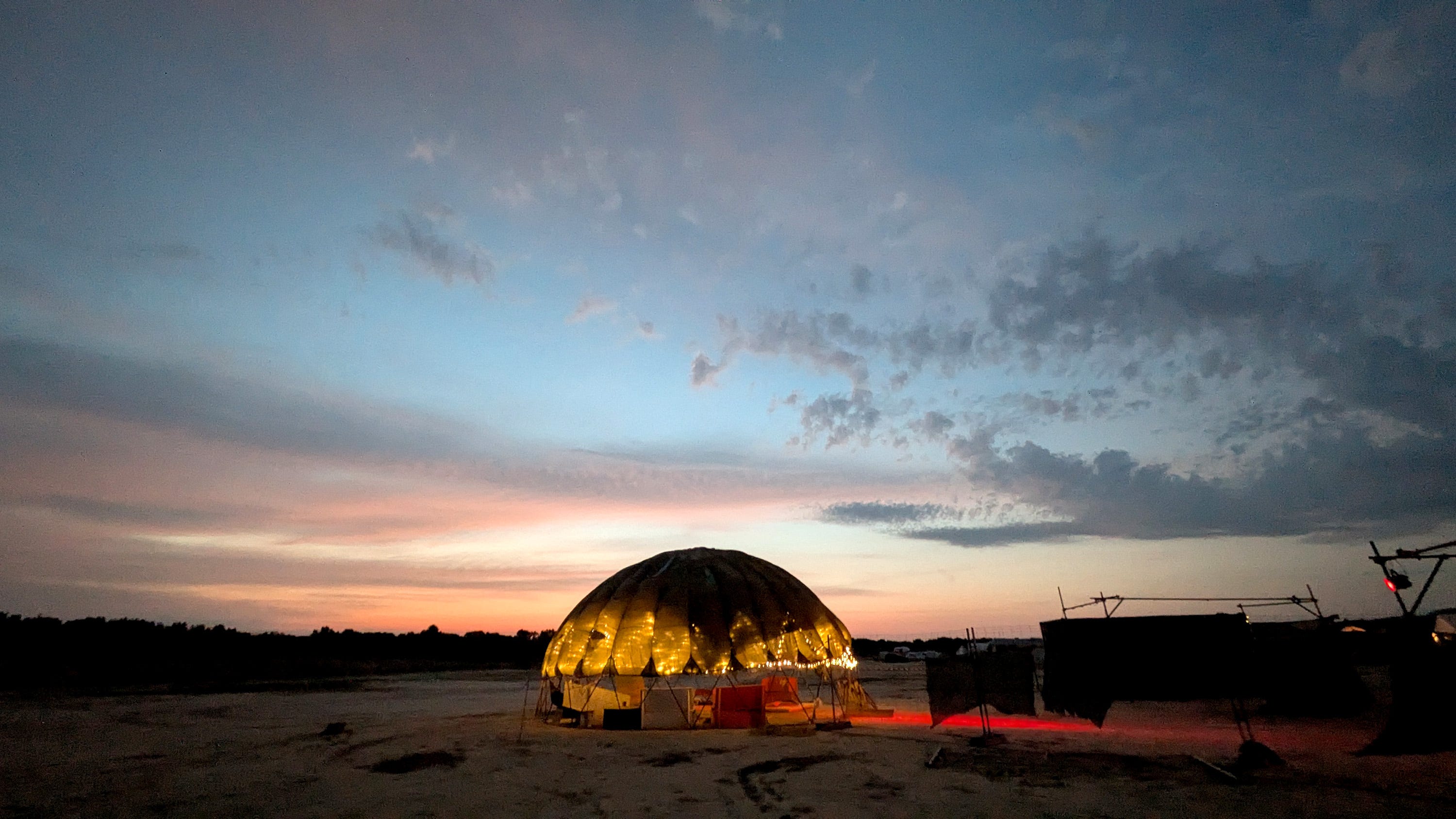
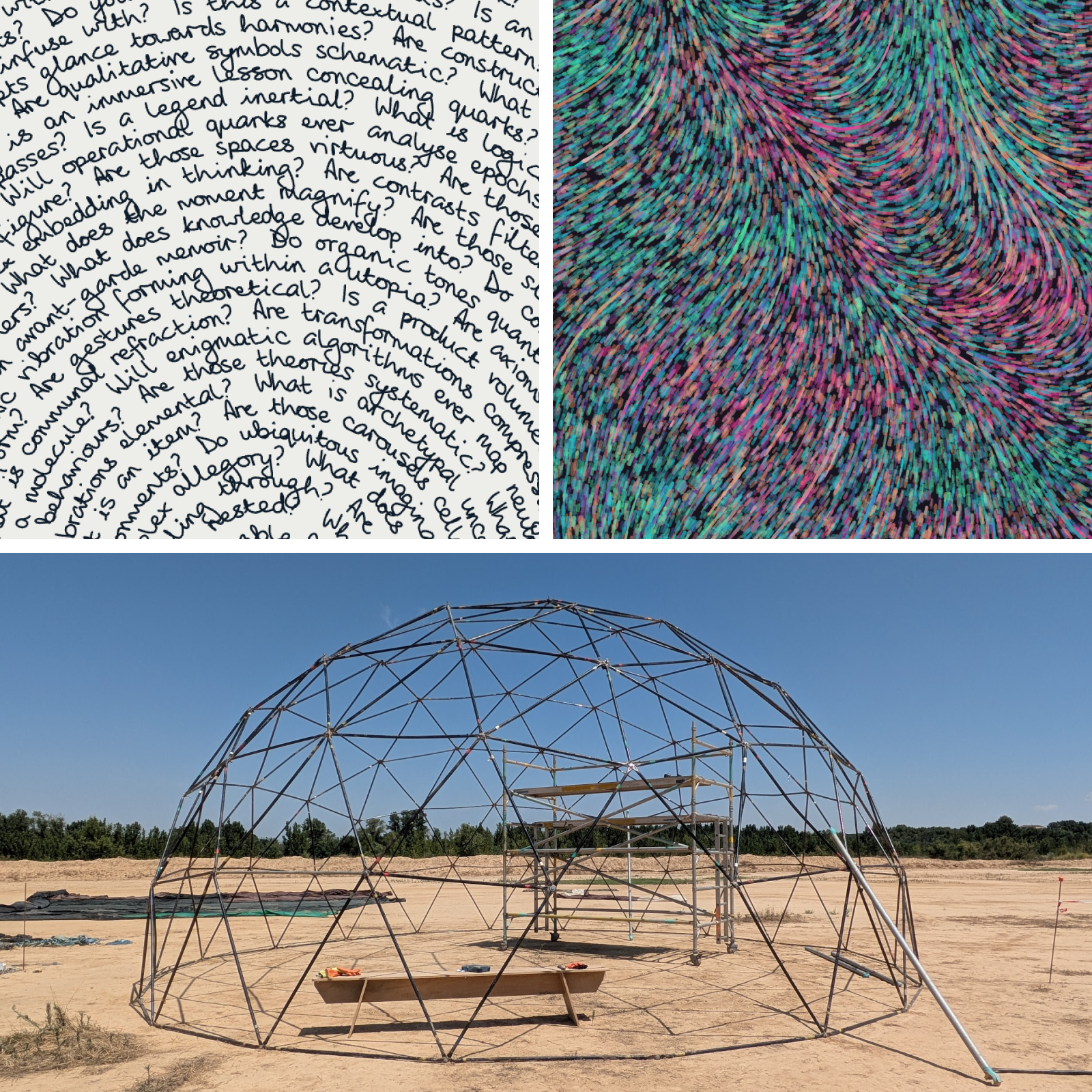
Nowhere was great though! In the header image above you can see a 10m geodesic dome, which I led the build on. It’s a 4V dome which means it has 7 different lengths of strut, so it’s a bit complicated but it is strong and was super fun to put together. I enjoyed climbing the scaffolding tower you can see in the centre of the dome in this picture, even in the 40C+ weather.
Things I’ve done this week
Coding timelapse
I’m working on tutorial content, so I’ve been coding examples and I figured why not record the process and turn it into a timelapse.
I usually edit these down to around 1 minute but I made this one a little bit longer for YouTube!
In this, I wanted to demonstrate the difference between using Perlin noise and random. I created a global variable to switch between the two, so that variables within the piece can either be generated randomly or with noise.

Spiral handwriting
I have this piece on the wall in my living room, and it’s actually a mis-plot from about a year ago, when my plotter was just beginning to show issues due to having a cracked wheel (which is now fixed!)
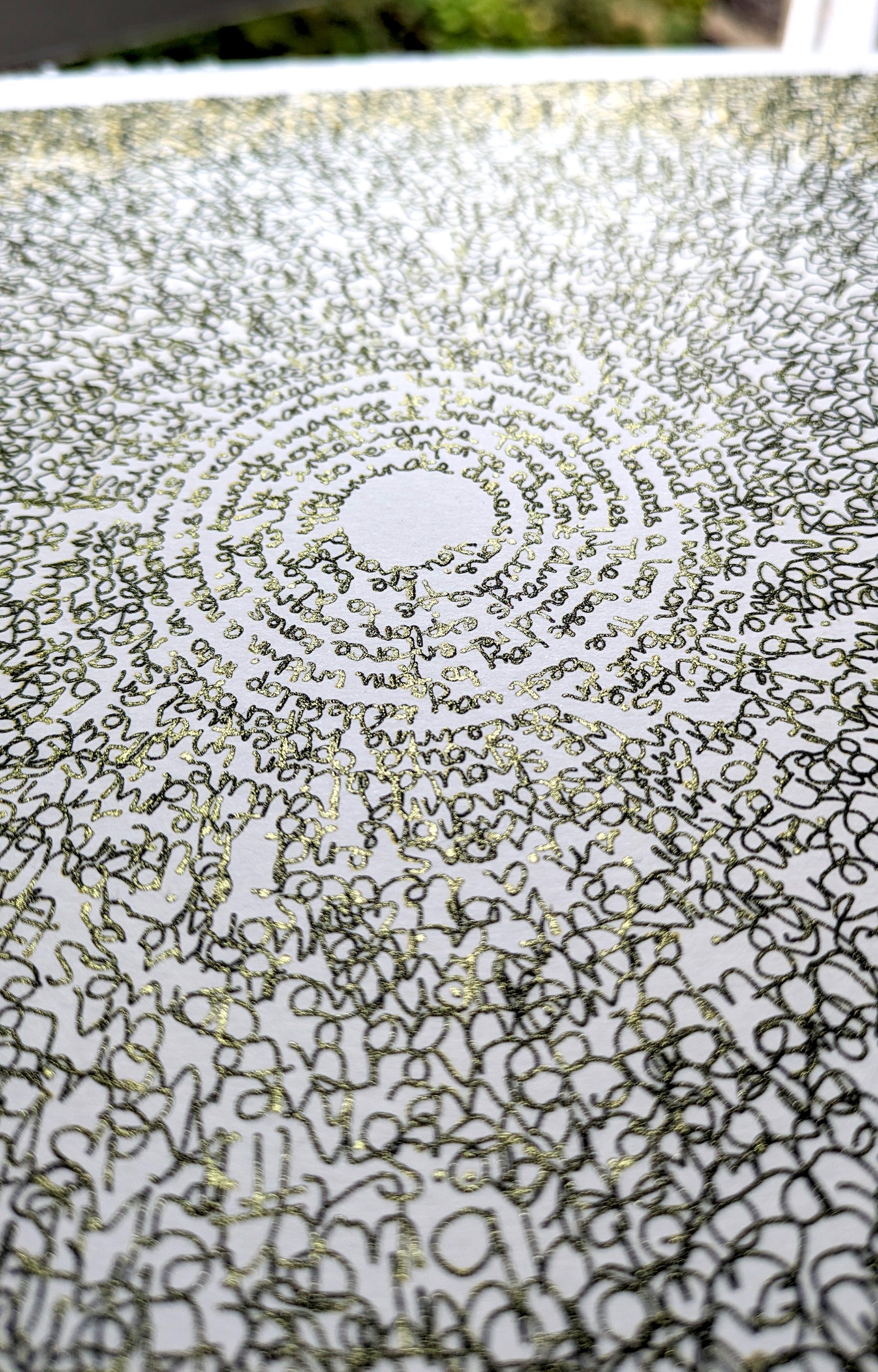
The first layer plotted fine but, at some point during the gold layer, it glitched and shifted out of alignment.
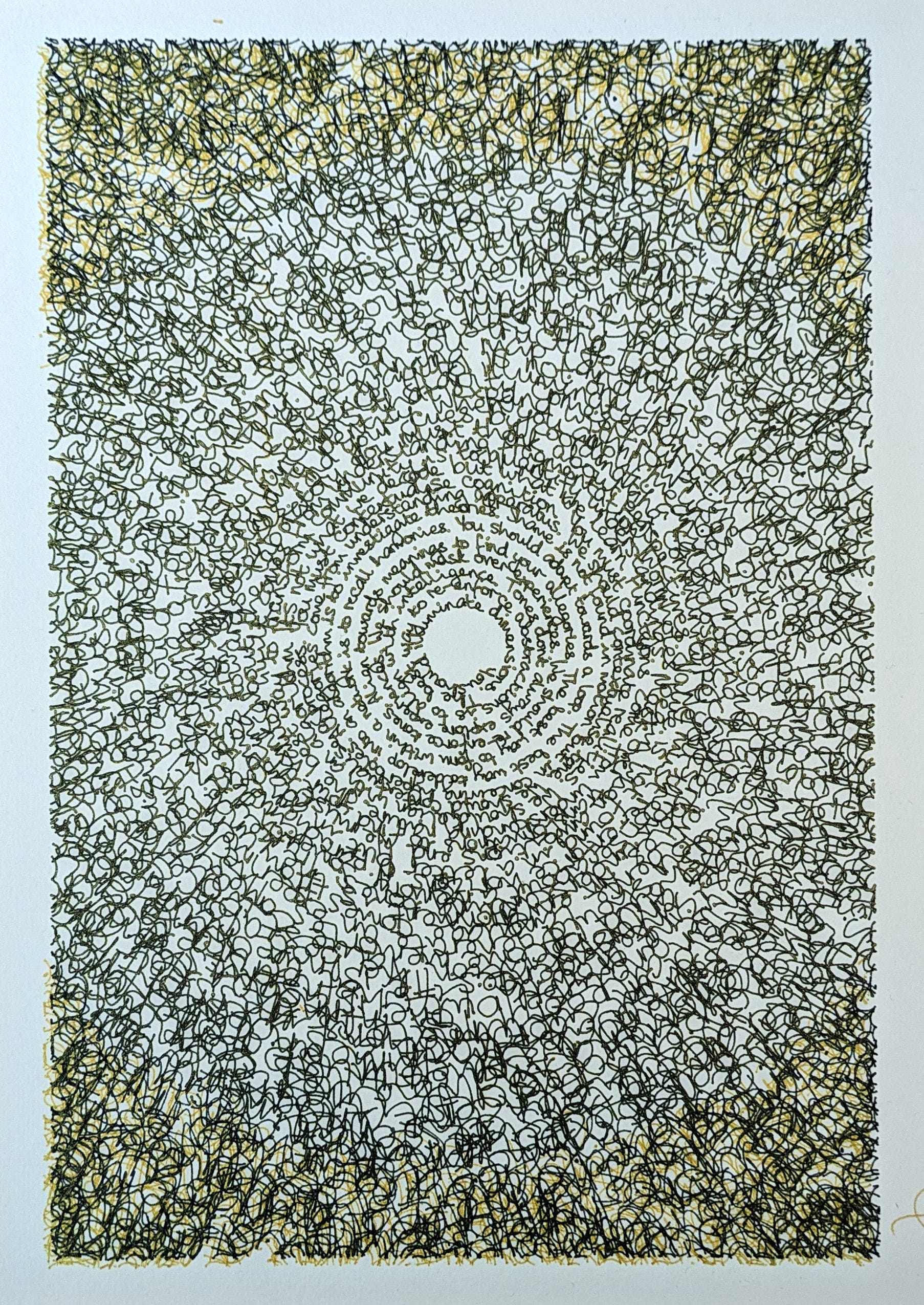
I kind of like it! It works alongside the deliberate effect of the text getting larger and messier towards the outer edges, which is why I put it on the wall. I look at it there all the time, and think about it how I should do more with this spiralled writing.
The handwriting code has developed since then and I had to redo some of the spiral code. Firstly, I was addressing that previously I’d only calculated each whole word’s distance from the centre of the spiral to find its position when, actually, the word itself should be slightly further from the centre at the end than at the beginning. This difference is only noticeable in very tight spirals but I felt it’s worth fixing anyway.
I also did thing of seeing what happens when you turn the number up, increasing the radius along the word to the extreme.


This next one is using the code I wrote to create italicised text. It tilts the text in relation to the canvas rather than in relation to the main angle of the writing, creating this weird stretched blackhole effect.
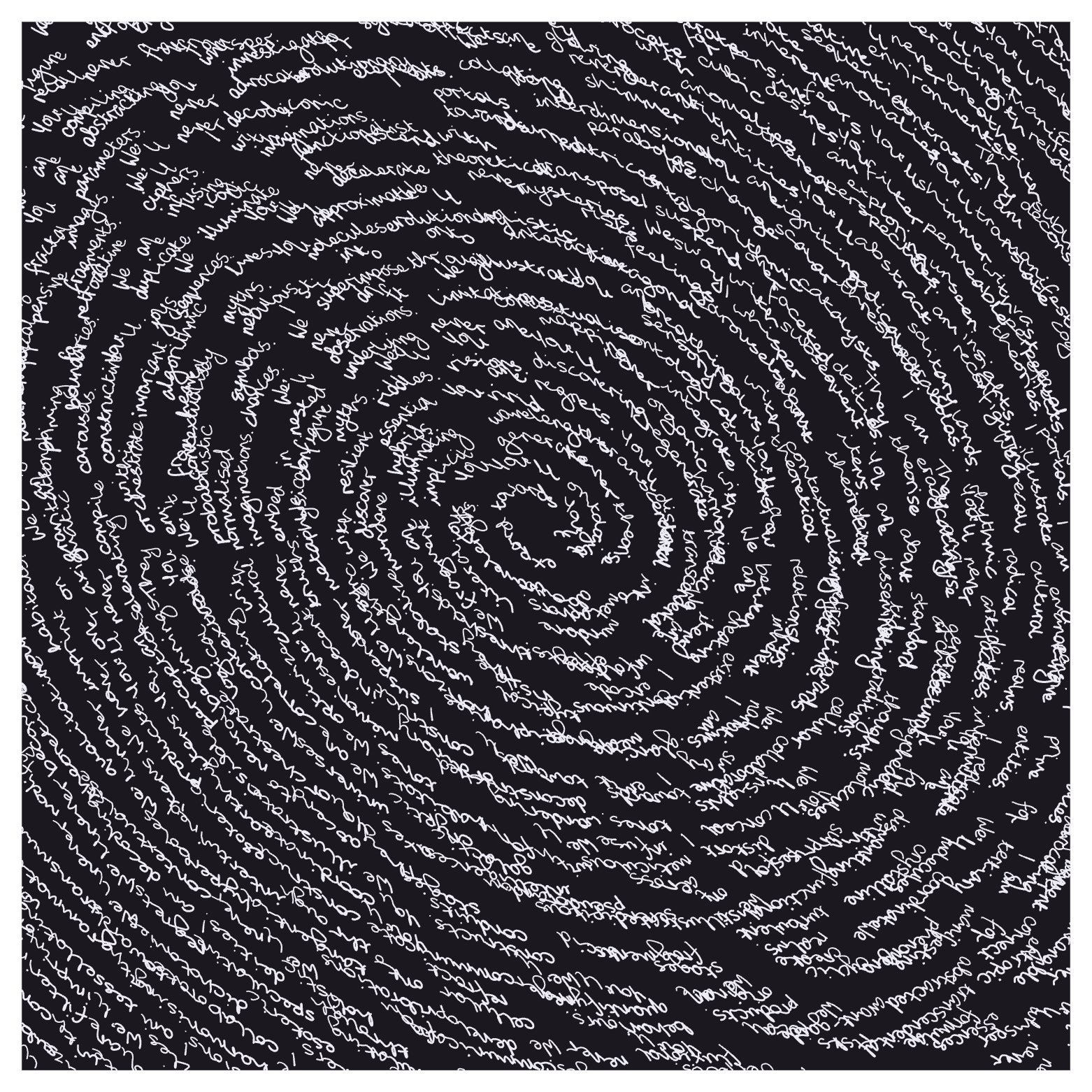
There’s a similar issue with this one. I have code that increases the weight of the letters at the bottom. This is something that Piter Pasma suggested ages ago and it’s very effective at making the writing look more natural. However, once again, I’ve always calculated the bottom of the word in relation to the canvas, so now it creates this strange effect where often one edge of the word is heavier.

I will fix this at some point, but it’s not going to be too much of an issue for now. I want use the plotter with the spiral code, so the varied weighting is not relevant as I just plot along the central paths of the letters.
Hopefully I’ll be getting on to that next week!
That’s all, thanks again for joining me!
I’ll leave you with this shot of the dome all lit up at night, and I’ll see you here next week.
Amy ⭐